
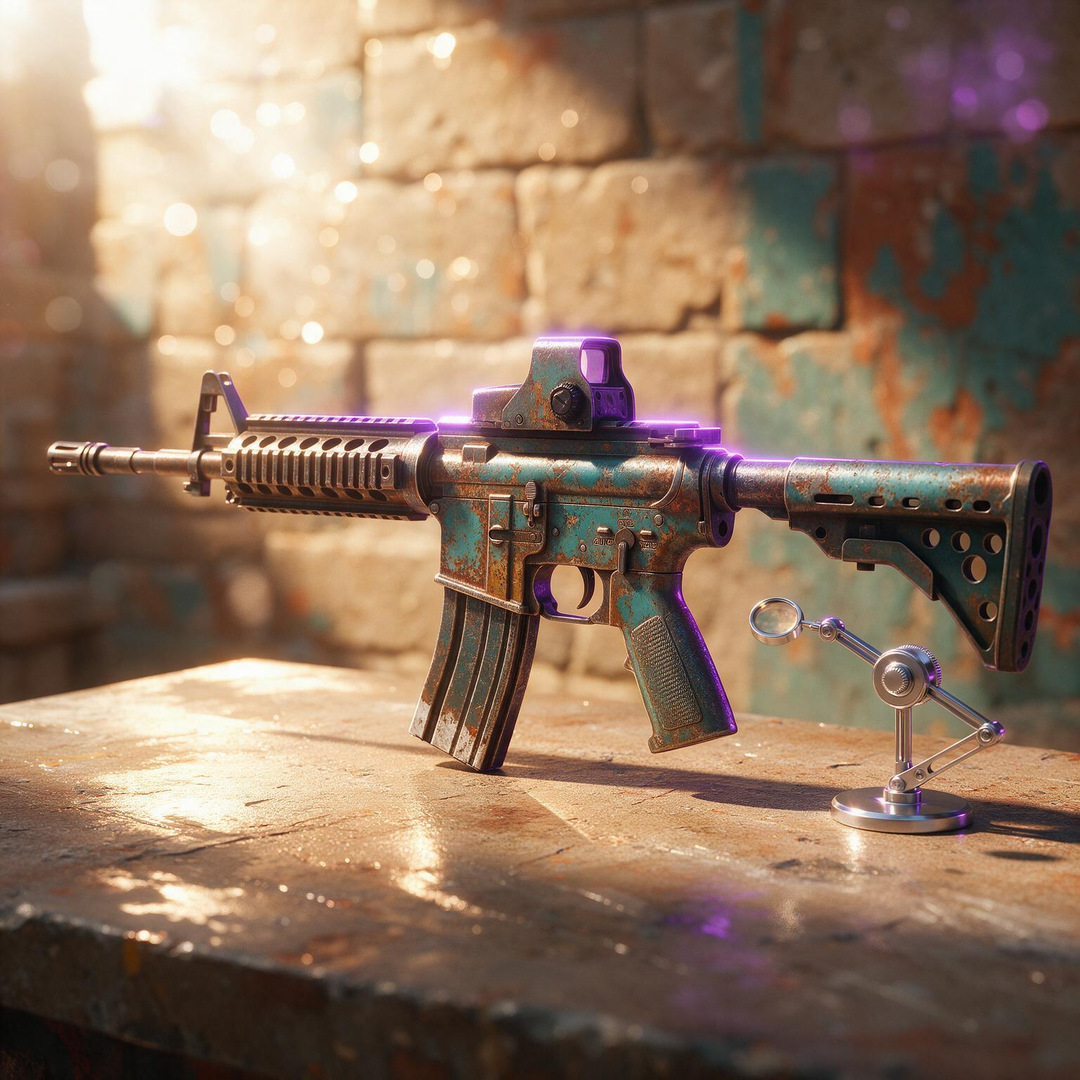
TL;DR
Float value is a decimal number between 0.00 and 1.00 permanently assigned to every CS2 skin when it is created. It never changes. Lower float means a cleaner, less worn appearance. Higher float means visible scratches, fading, and damage. The five wear condition tiers are Factory New (0.00–0.07), Minimal Wear (0.07–0.15), Field-Tested (0.15–0.38), Well-Worn (0.38–0.45), and Battle-Scarred (0.45–1.00).
Within each tier, the exact float number creates meaningful visual and price differences. A Karambit | Doppler Sapphire at 0.007 float can sell for $30,000+, while the same knife at 0.03 sells for around $15,000 – same tier, same skin, price nearly doubled by a float difference invisible to most players. This CS2 Float Values & Wear Conditions guide covers how float is set, what each wear tier looks like, which finishes are float-sensitive, how the trade-up formula works, and how to check any skin’s exact float value.
What Is Float Value?

Float value, also called wear value, is the number that determines how worn a CS2 skin looks in-game. It is a decimal between 0.00 and 1.00 assigned when a skin is first created, whether through a weapon case opening, a weekly drop, or a trade-up contract. That number is permanent. Trading the skin, applying stickers, renaming it, or using the weapon in matches for thousands of hours, none of it changes the float. It is fixed at creation and will remain that number for the lifetime of the item.
Lower float values mean the skin looks cleaner and more pristine. Higher float values mean the skin shows scratches, paint loss, and weathering. At float 0.001, a skin can look brand new. At float 0.99, it looks like it has been through a war.
The float system is one of the two foundational pricing variables in CS2, the other being the rarity tier. Together, float and rarity explain most of the price range you see across the market. Pattern index (relevant for specific finishes) and stickers layer on top.
Read More: CS2 Skin Rarity Explained
The Five Wear Conditions

CS2 groups float values into five named wear conditions, each with a specific float range and a visual profile. These are the labels you see on skins in your inventory and on marketplace listings.
Factory New (FN) – Float 0.00 to 0.07
Factory New is the cleanest condition. Skins at this tier have minimal to no visible wear. At the low end (0.001 and below), surfaces are pristine and paint coverage is complete. At the high end of the range (0.065–0.069), slight imperfections may be just barely visible depending on the finish type.
Factory New is the most valuable condition for the vast majority of skins. It is also the rarest from drops: approximately only 3% of all skin drops land in Factory New condition, making FN drops worth checking carefully before discarding.
What it looks like: Clean surfaces, vivid colours, no visible scratching or weathering. Metallic finishes shine brightly. Painted designs appear complete and undamaged.
Minimal Wear (MW) – Float 0.07 to 0.15
Minimal Wear is the second-cleanest tier. The visual difference between a 0.07 Minimal Wear and a 0.069 Factory New is extremely small, sometimes indistinguishable to the naked eye in normal gameplay. This makes Minimal Wear one of the best value tiers: you often get near-Factory New appearance at a significantly lower price.
Within the Minimal Wear range, lower floats (0.07–0.09) look close to Factory New, while higher floats (0.13–0.149) begin to show faint signs of wear on some finishes.
What it looks like: Near-pristine with very faint wear. Most finishes are barely distinguishable from Factory New at normal viewing distances.
The value angle: An AK-47 | Fire Serpent at 0.08 Minimal Wear sells for around $1,800 and looks almost identical to its Factory New counterpart. The same skin in Factory New starts at approximately $4,500. Minimal Wear is where value hunters often find their best opportunities.
Field-Tested (FT) – Float 0.15 to 0.38
Field-Tested is the most common wear condition. It spans the widest float range and covers the majority of all skin drops statistically, approximately 33% of all skin drops land in Field-Tested condition. The visual quality ranges considerably within this tier: a 0.16 Field-Tested looks much cleaner than a 0.37 one.
For many skins, Field-Tested is the practical sweet spot for budget buyers. The price drop from Factory New to Field-Tested is often dramatic, while the visual degradation, depending on the finish type, may be acceptable.
What it looks like: Visible scratching and wear marks on painted areas and metal surfaces. The degree varies significantly within the tier based on finish type and exact float.
What it looks like in practice: The AWP | Asiimov only exists at floats between 0.18 and 1.00 – Factory New and Minimal Wear versions are impossible for this skin. Field-Tested is the cleanest the Asiimov can ever be.
Well-Worn (WW) – Float 0.38 to 0.45
Well-Worn covers the narrowest float range in the system (only 0.07 wide). Skins at this tier show heavy wear and are generally the least popular condition for most weapons. The aesthetic appeal depends heavily on the design, some skins with dark colour palettes or designs that benefit from a worn look can look intentionally distressed rather than degraded.
Well-Worn skins are typically the cheapest condition available for a given skin. They are rarely the target of collector interest except in edge cases.
What it looks like: Heavy scratching, significant fading on painted areas, substantial visible damage across surfaces.
Battle-Scarred (BS) – Float 0.45 to 1.00
Battle-Scarred covers the widest float range, from 0.45 all the way to the maximum of 1.00. Like Field-Tested, this span means significant visual variation within the tier. A 0.45 Battle-Scarred skin may look barely worse than a Well-Worn, while a 0.99 Battle-Scarred has lost substantial paint and texture.
Most Battle-Scarred skins have the lowest market value for their design. However, two niche collector groups actively seek them: players who prefer the aesthetic of worn weapons, and collectors hunting “max float” copies, the highest float ever recorded for a specific skin, often tracked on leaderboards.
What it looks like: Extreme wear, heavy paint loss and scratching, noticeable structural damage on weapon surfaces. Some designs look intentionally rugged; others look simply damaged.
Wear Conditions at a Glance
| Condition | Abbreviation | Float Range | Float Width | Typical Value |
|---|---|---|---|---|
| Factory New | FN | 0.00 – 0.07 | 0.07 | Highest |
| Minimal Wear | MW | 0.07 – 0.15 | 0.08 | High |
| Field-Tested | FT | 0.15 – 0.38 | 0.23 | Mid |
| Well-Worn | WW | 0.38 – 0.45 | 0.07 | Low |
| Battle-Scarred | BS | 0.45 – 1.00 | 0.55 | Lowest (generally) |
Why Two Factory New Skins Have Different Prices
This is where float knowledge separates experienced traders from beginners. The wear condition label (Factory New, Minimal Wear, etc.) is displayed prominently on every listing. The exact float number is often buried or requires a tool to check, and that creates pricing opportunities.
Two skins listed as “Factory New” can have floats of 0.003 and 0.069. Both are technically Factory New. But a 0.003 float looks noticeably cleaner than 0.069 on most finishes, particularly painted and detailed designs. Collectors and serious buyers pay meaningful premiums for lower floats within every condition tier.
Real Price Examples: The Float Premium in Action
Karambit | Doppler Sapphire:
| Float | Approximate Market Price |
|---|---|
| 0.007 (Pixel Corner) | $30,000+ |
| 0.01 | ~$22,000 |
| 0.03 | ~$15,000 |
The difference between 0.007 and 0.03 float is invisible to most players in normal gameplay. It represents a price gap of approximately $15,000.
AK-47 | Fire Serpent:
| Condition | Float Range | Approximate Price |
|---|---|---|
| Factory New | 0.00 – 0.07 | $4,500+ |
| Minimal Wear | 0.07 – 0.15 | $1,100 – $1,800 |
| Field-Tested | 0.15 – 0.38 | ~$500 |
Within Minimal Wear specifically:
- Float 0.14 (high end of MW): ~$1,100
- Float 0.08 (low end of MW): ~$1,800
Same condition tier, same skin – $700 difference from a float variance of 0.06.
These are not anomalies. They reflect consistent market logic: lower float is rarer, and rarity within a tier commands a premium proportional to the skin’s total value.
Float Sensitivity: Which Skins Care Most About Float?
Float matters far more on some skins than others. Understanding which finishes are float-sensitive helps you decide when paying a low-float premium is justified and when it is not.
High Float Sensitivity (Pay for Float)
Painted finishes show scratches most clearly. Large painted areas degrade visibly as float increases, strokes and patterns break up, colours fade at edges. On expensive Painted skins (AK-47 | Wild Lotus, AWP | Dragon Lore), the difference between 0.01 and 0.05 float is visible in-game and commands significant price difference.
Knives and gloves are particularly float-sensitive because the camera angle during gameplay frequently shows the weapon surface. A scratched Karambit corner is visible on every kill animation. Ultra-low float knives exist in their own collector premium tier (0.000x floats can be worth multiples of a standard FN price).
Skins near condition boundaries reward float awareness. A skin at 0.069 float (near the FN/MW boundary) technically qualifies as Factory New but looks closer to Minimal Wear. Conversely, a skin at 0.073 (Minimal Wear) may look barely distinguishable from Factory New and offers the visual quality at a significantly lower price.
Lower Float Sensitivity (Float Matters Less)
Anodized finishes (Anodized, Anodized Airbrushed, Anodized Multicolored) tend to darken rather than scratch as float increases. The degradation is less jarring to the eye than on Painted finishes. The difference between a 0.01 and 0.05 Anodized skin is subtler than on comparable Painted skins.
Patina and Gunsmith finishes show gradual tonal shifts rather than dramatic scratching. Float differences exist visually but are less impactful on most designs.
Budget skins (under $10) rarely justify paying a float premium. The price difference is cents, not dollars, and the visual difference at normal gameplay viewing distances is minimal.
Skin-Specific Float Ranges: Why Some Conditions Are Impossible
Not every skin can exist in every wear condition. Valve sets a minimum and maximum float value for each individual skin design. If the minimum float is above 0.07, the skin cannot be Factory New. If the maximum float is below 0.45, the skin cannot be Battle-Scarred.
This creates significant market implications: skins with restrictive float ranges can never be traded into conditions outside those limits, making the available conditions more or less scarce.
Examples of Float-Restricted Skins
| Skin | Min Float | Max Float | Available Conditions |
|---|---|---|---|
| AWP | Dragon Lore | 0.00 | 1.00 |
| AK-47 | Redline | 0.10 | 0.70 |
| Glock-18 | Fade | 0.00 | 0.08 |
| Desert Eagle | Blaze | 0.00 | 0.08 |
| AWP | Asiimov | 0.18 | 1.00 |
| Karambit | Doppler | 0.00 | 0.08 |
The Glock-18 | Fade and Desert Eagle | Blaze exist only in FN and the very lowest sliver of Minimal Wear, they can never be Field-Tested, Well-Worn, or Battle-Scarred. This restriction means that when these skins drop, they are always in clean condition, which has pricing implications. The AWP | Asiimov, conversely, can never be Factory New or Minimal Wear, Field-Tested is as clean as it gets, which is why the Asiimov’s FT market is its primary market.
Why this matters for buyers: Before purchasing any skin, confirm the available float range. You cannot buy a Factory New AWP | Asiimov because one has never existed and never can. Listings claiming FN condition for float-restricted skins are either errors or scams.
Trade-Up Contracts and Float: The Formula
When 10 skins are combined in a Trade-Up Contract, the output skin’s float is not random – it is calculated using a specific formula based on the average float of the 10 input skins. This is one of the most important applications of float knowledge for traders.
The Formula
Output Float = (Average Input Float) × (Output Skin Max Float – Output Skin Min Float) + Output Skin Min Float
Where the output skin’s min and max float are fixed by the skin design, and the average input float is determined by the 10 skins you submit.
Example 1: Simple Calculation
- 10 input skins average float: 0.05
- Output skin: AWP | Dragon Lore (range: 0.00 – 1.00)
- Calculation: 0.05 × (1.00 – 0.00) + 0.00 = 0.05 (Factory New)
Example 2: Restricted Output Range
- 10 input skins average float: 0.05
- Output skin: AK-47 | Redline (range: 0.10 – 0.70)
- Calculation: 0.05 × (0.70 – 0.10) + 0.10 = 0.05 × 0.60 + 0.10 = 0.13 (Minimal Wear)
Notice how even though the input average was 0.05 (Factory New territory), the output lands in Minimal Wear because the Redline’s minimum float starts at 0.10. The output is always constrained by the output skin’s float range.
Practical Implications
- Lower average input float produces lower output float. If your target output skin has a low minimum float, you can create very low float versions through trade-ups by using low-float inputs.
- Skins with narrow float ranges (like Glock-18 | Fade, max 0.08) will always produce low-float outputs. No matter what input average you use, the output is mathematically constrained to below 0.08.
- The M4A1-S | Knight is a classic trade-up input for AWP | Dragon Lore. Traders purchase low-float Knights specifically because a lower Knight float directly produces a lower Dragon Lore – and low-float Dragon Lores sell for significant premiums. Knight floats are priced accordingly.
Always use a trade-up calculator (SteamAnalyst has a free one) before submitting inputs. The formula is straightforward but easy to miscalculate by hand.
Extreme CS2 Float Values: The Collector Niche
Beyond the standard float premium for lower-is-better logic, there is a dedicated collector ecosystem around extreme float values at both ends of the spectrum.
Ultra-Low Floats
Skins in the 0.000x range, four or more zeros after the decimal, are exceedingly rare. Within any given skin, only a tiny fraction of all copies ever created have floats this low. Float tracking databases like CSFloat maintain global rankings of the lowest recorded floats for every skin, and owning the #1 lowest float of a popular item is a genuine status symbol in the community.
The premium for ultra-low floats escalates steeply:
| Float Level | Description | Premium Context |
|---|---|---|
| 0.0000x (5 zeros) | World-record territory | AWP |
| 0.000x (4 zeros) | Elite collector range | AK-47 |
| 0.00x (3 zeros) | Premium collector | Significant premium over standard FN across most skins |
Ultra-High Floats
A smaller but equally passionate group of collectors actively seeks the most battle-scarred copies possible – the highest float for a given skin, ideally ranking in the global top 10 or top 1. “Max float” collecting is a recognised niche with its own market dynamics and community platforms.
A Battle-Scarred skin at 0.999 float commands a premium over a standard 0.60 BS copy for the same reason a 0.001 FN commands a premium over a 0.06 FN: it is measurably rarer, trackable on public databases, and uniquely identifiable.
How to Check a Skin’s Float Value
Float values are not prominently displayed in Steam’s default interface – you need to use third-party tools to see the exact number.
Method 1: In-Game Inspection
Right-click any skin in your Steam inventory and select “Inspect in Game.” The in-game inspection window shows the wear condition label (Factory New, etc.) but not the precise float number. Press “I” in the inspection view to see the item’s full details including the float.
Method 2: Inspect Link + Float Checker
Every CS2 skin has a unique inspect link (right-click the skin in your inventory and copy the inspect link). Paste this link into a float checking tool to see the exact float value, paint seed (pattern index), and other item data.
Recommended float checker tools:
| Tool | What It Checks | Notes |
|---|---|---|
| CSFloat | Float, pattern index, float rankings | Largest float database (1.2B+ records) |
| SteamAnalyst Float Checker | Float, wear tier, paint seed | Free, no account required |
| Steam Inventory Helper (browser extension) | Float directly in Steam inventory | Most convenient for regular use |
| CSDB.gg Float Checker | Float and wear | Clean interface |
Method 3: Marketplace Listings
Most reputable third-party marketplaces (CSFloat, Skinport, DMarket) display float values directly on every listing. When browsing, the float is shown alongside price. This is the fastest way to compare floats while shopping.
Practical Float Buying Guide
When to pay the low-float premium:
- Expensive skins ($100+) where float differences create visible in-game distinction
- Painted finishes where scratching is clearly visible on weapon surfaces
- Knives and gloves, which are shown prominently in gameplay
- Skins near condition boundaries where a slightly lower float gets you a visually cleaner skin at the same tier price
When not to pay the low-float premium:
- Budget skins (under $20) where float adds cents to price, not dollars
- Anodized, Patina, or Gunsmith finishes where wear manifests as tinting rather than scratching
- When the visual improvement is imperceptible at normal gameplay viewing distance
- When you are buying for personal use rather than resale – focus on what looks good to you, not what the market theoretically values
The Minimal Wear opportunity: Some of the best value in the CS2 market sits at the low end of Minimal Wear (0.07–0.09). These skins look nearly identical to Factory New, but price at a meaningful discount. AK-47 | Fire Serpent at MW saves roughly $2,700 versus FN while losing almost nothing visually for most players.
CS2 Float Values & Wear Conditions: Key Takeaways
- Float value is a decimal between 0.00 and 1.00, permanently assigned when a skin is created and never changeable.
- Five wear conditions map to float ranges: Factory New (0.00–0.07), Minimal Wear (0.07–0.15), Field-Tested (0.15–0.38), Well-Worn (0.38–0.45), Battle-Scarred (0.45–1.00).
- Within every condition tier, lower float = cleaner look = higher price. Two Factory New skins at 0.003 and 0.069 can have dramatically different prices.
- Only approximately 3% of all skin drops land in Factory New condition.
- Not every skin exists in every condition. Each skin has a minimum and maximum float range that determines which wear tiers are possible.
- Trade-up output float is calculated by a formula: (Average Input Float) × (Output Max – Output Min) + Output Min. Lower average inputs produce lower output floats.
- Ultra-low float skins (0.000x) and ultra-high float skins (0.999+) form a dedicated collector niche with their own premium market tracked by platforms like CSFloat.
- To check any skin’s exact float, use CSFloat, SteamAnalyst’s Float Checker, or the Steam Inventory Helper browser extension.
FAQs
Q. Does float change when I use the weapon in matches?
No. Float is permanent from the moment a skin is created. Playing thousands of hours with a Factory New skin will not change its float or wear condition in any way.
Q. Can two skins have the exact same float?
Theoretically possible, but statistically extremely rare. Float is assigned as a floating-point number with many decimal places. In practice, it is vanishingly unlikely for any two independently dropped skins to share an identical float value.
Q. Why is my skin listed as Factory New but looks worn?
Float values within the Factory New tier range from 0.00 to 0.069. A skin at 0.065 float is technically Factory New but sits near the boundary with Minimal Wear. On some finishes, particularly detailed painted designs, this near-boundary float shows very faint wear. The condition label is accurate; the appearance simply reflects the upper end of the Factory New range.
Q. What is a “low float” skin and why is it more expensive?
A low float skin has a float value at or near the bottom of its possible range, closer to 0.00. Lower float means less visible wear, a cleaner appearance, and rarity within the skin’s population (since float is randomly distributed across the allowed range when a skin drops). Collectors and traders pay premiums for lower floats because they are genuinely scarcer and often visually superior.
Q. How do I know if a skin can be Factory New before buying?
Check the skin’s minimum float value on a platform like CSFloat or SteamAnalyst. If the minimum float exceeds 0.07, the skin cannot exist in Factory New condition. Any listing claiming Factory New for such a skin is either an error or an attempt at deception.
Sources (Citations)
- SteamAnalyst – CS2 Float Value Explained: Wear Conditions, Pricing & Trade-Up Math
- Skin.Club Community – CS2 Float Value & Wear Ratings Explained
- CSDB.gg – CS2 Float Value Guide: How Wear Conditions Work
Take the Lead, Gamble Responsibly
Gambling should always be entertainment, never a source of income or a way to solve financial problems. Set your limits before you play, stick to them during the session, and walk away when it stops being fun. If you ever feel like your gambling is becoming stressful, overwhelming, or difficult to control, you’re not alone and help is available. Reach out to a trusted person in your life, use platform tools like deposit limits and self-exclusion, or visit our Responsible Gambling page for guidance and support resources.